Light Nodes in Blender: Turn a Plain Light into a Pattern Projector
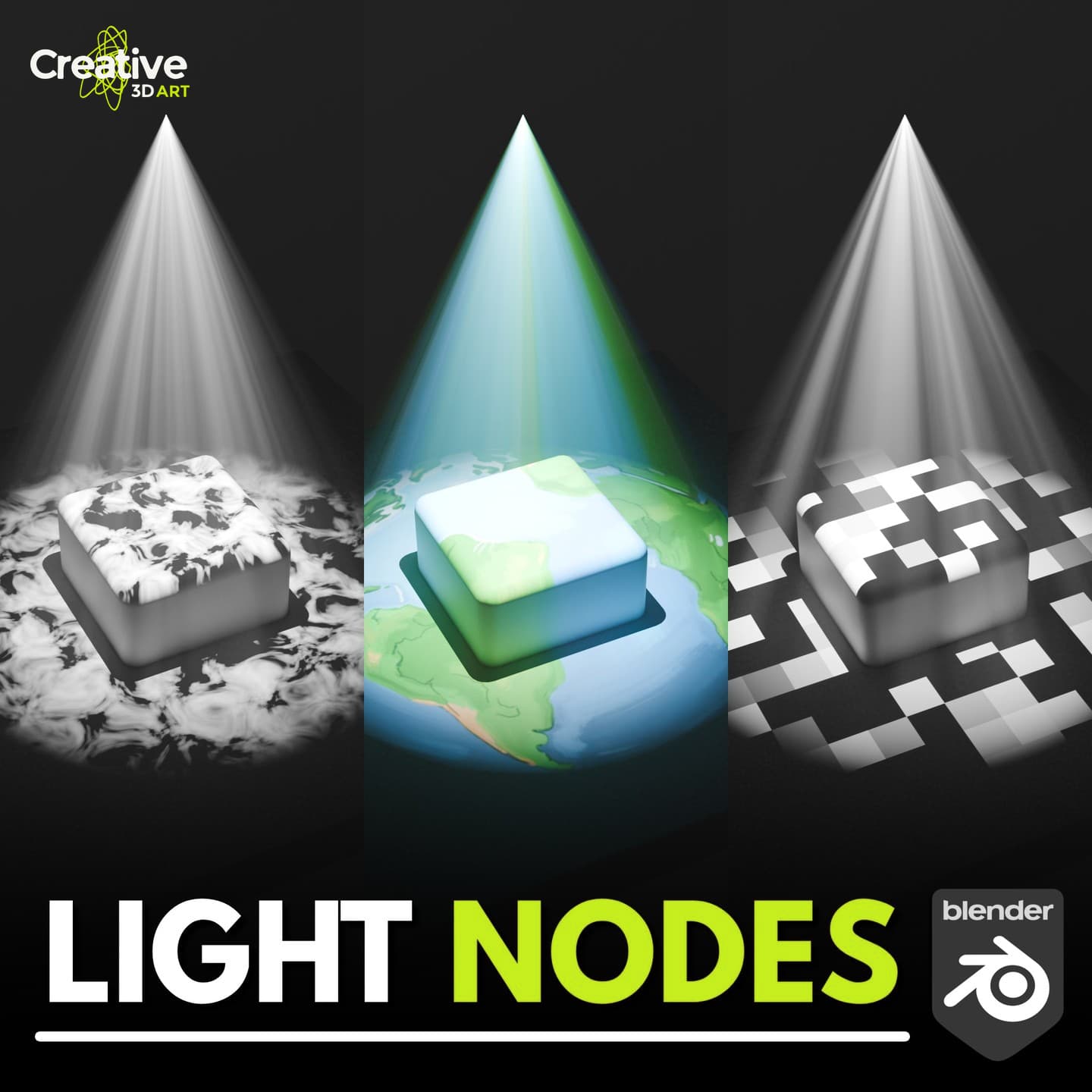
Did you know a simple spot light in Blender can project patterns, just like a stage projector? With a few nodes, you can add organic noise, stylized cells, or even a custom image to your lighting. Here are three techniques you can try today.
Step 1Noise
Light Nodes let you control not just how bright a light is, but what shape and pattern it casts. Below are three examples: Noise, Voronoi, and Image.
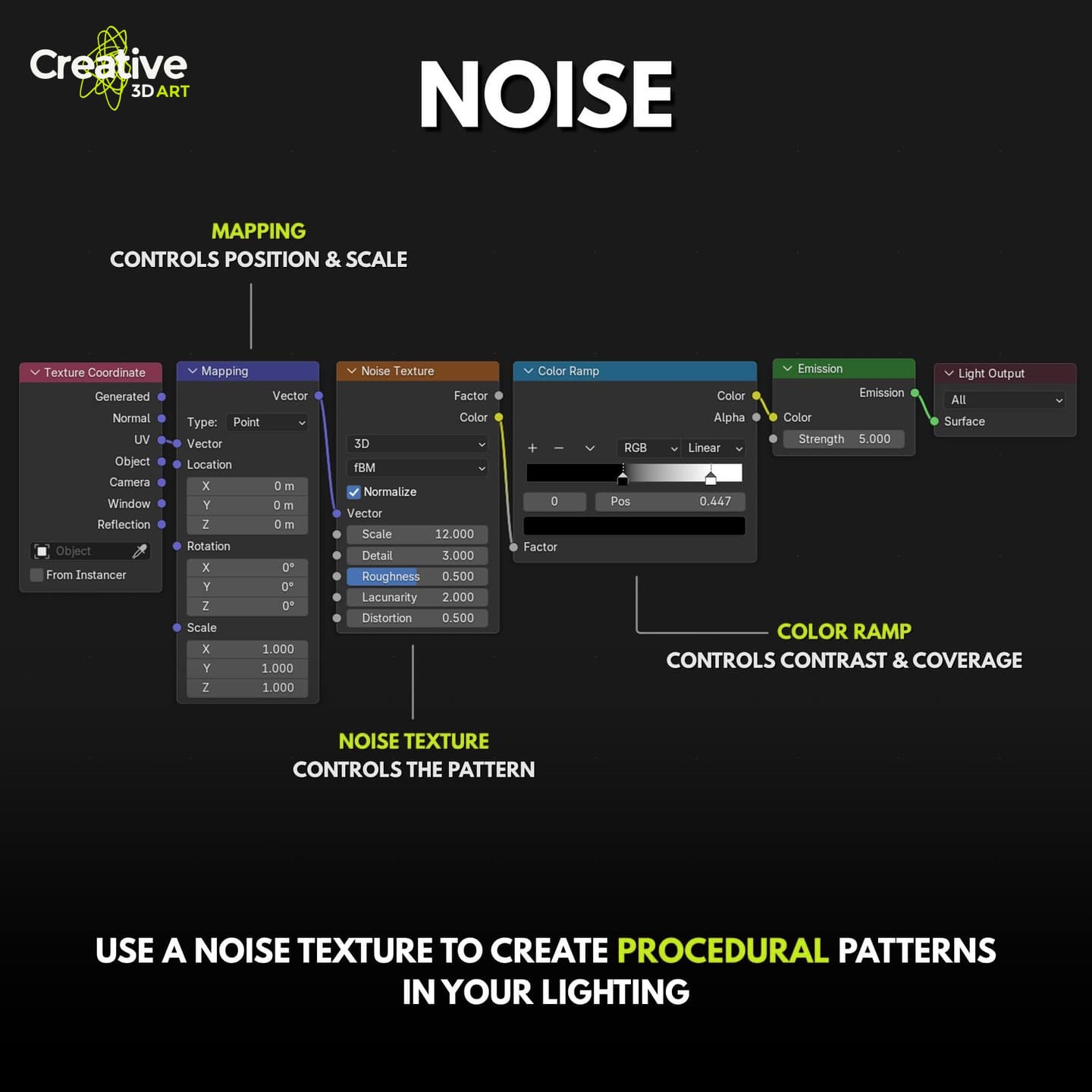
Let's start with Noise. The node setup is simple: Texture Coordinate feeds a Mapping node, then a Noise Texture, a Color Ramp, and finally an Emission shader. Mapping sets the position and scale, the Noise Texture shapes the pattern, and the Color Ramp controls contrast and coverage.
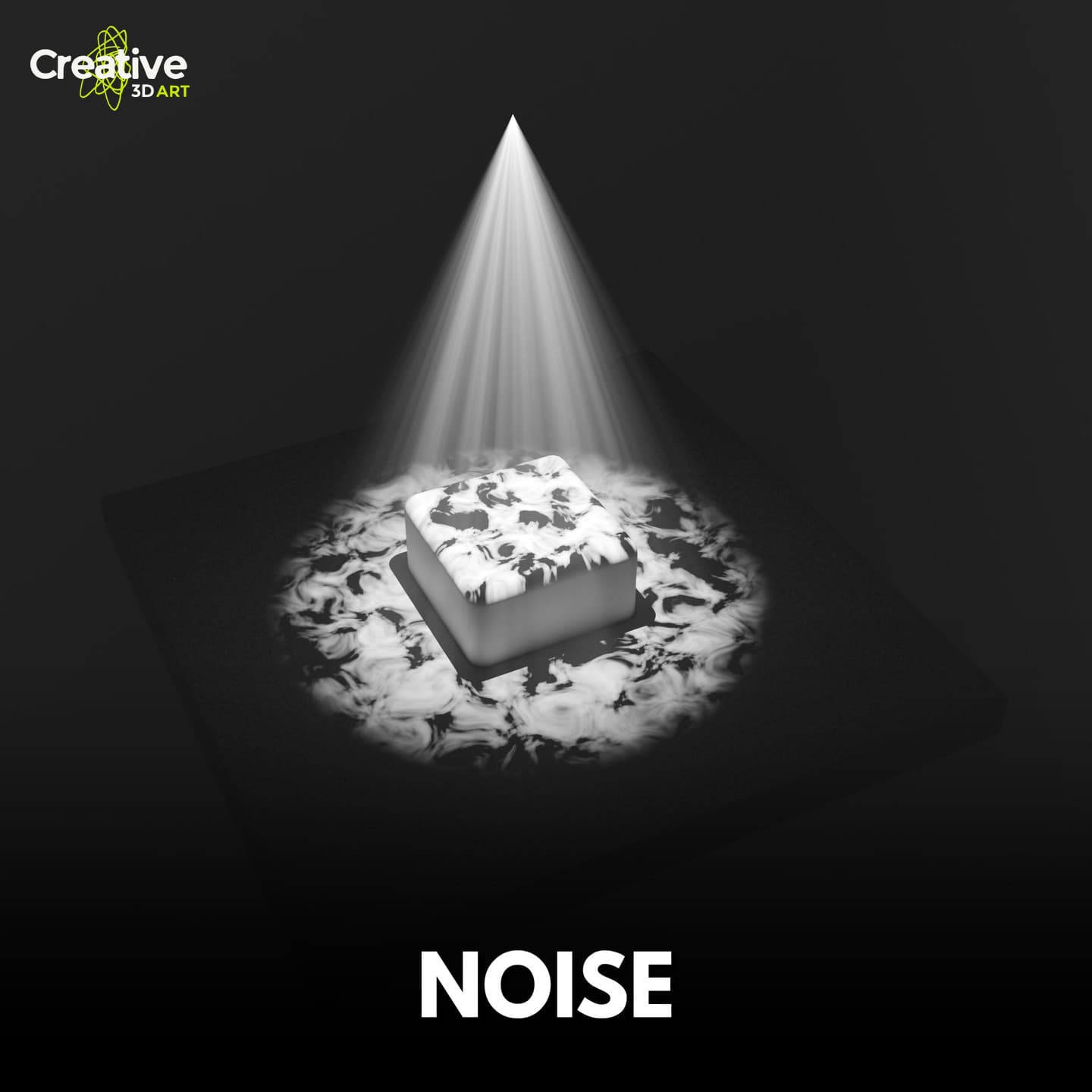
And here is the result: soft, organic, cloud-like patterns spread across the surface, perfect for natural or atmospheric lighting.
Step 2Voronoi
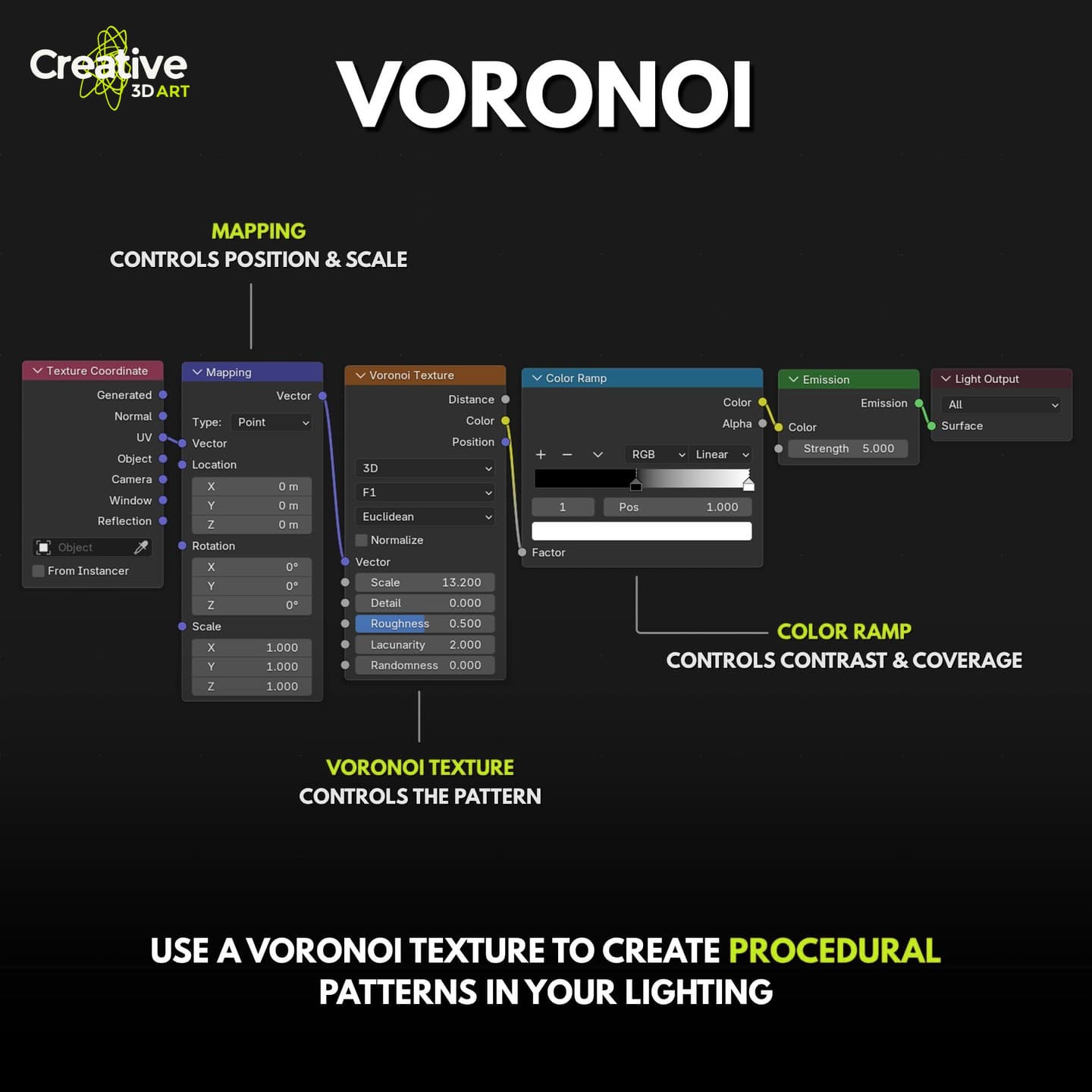
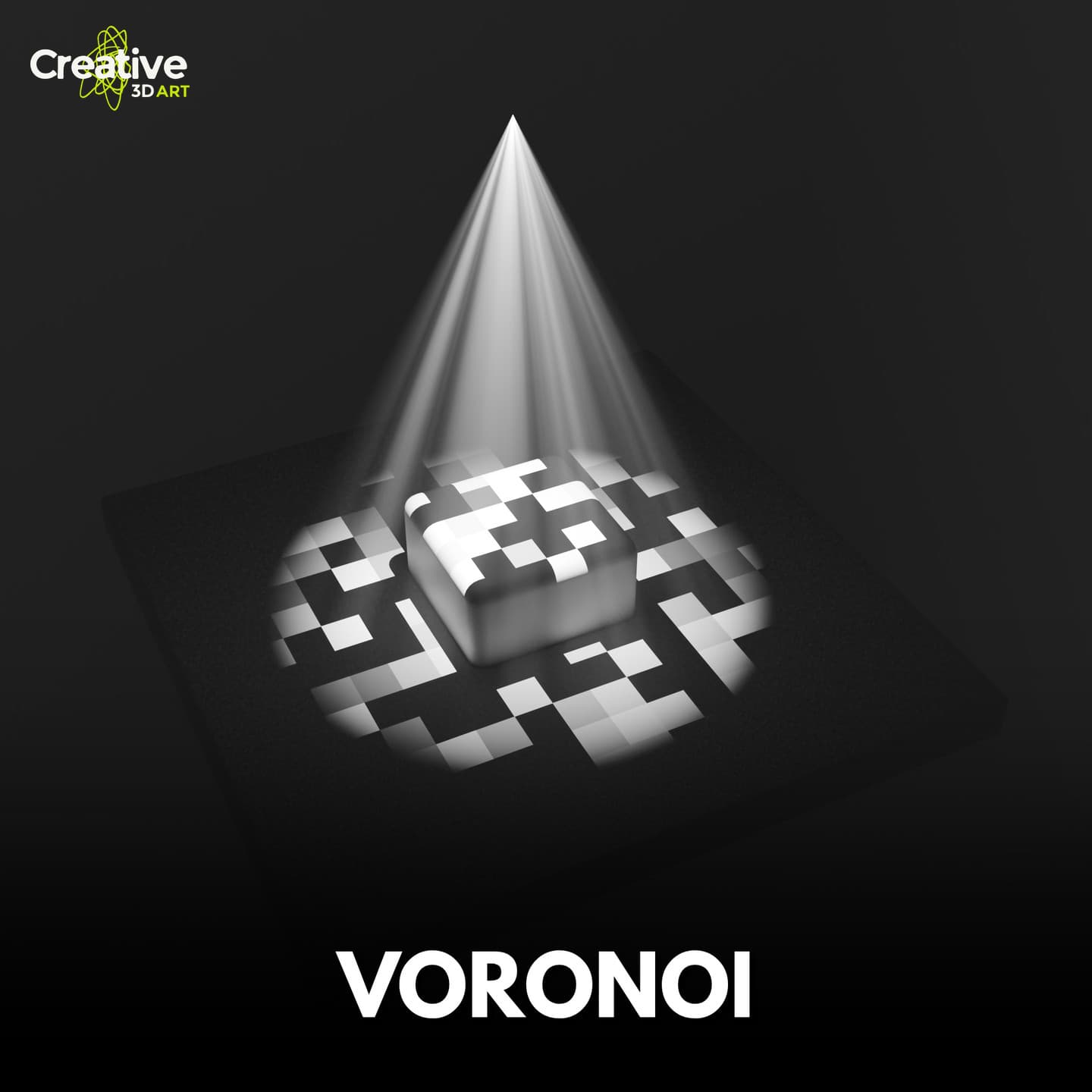
Next is Voronoi. The setup is almost identical, you just swap the Noise Texture for a Voronoi Texture. Changing the Scale and Color Ramp lets you move from fine cells to bold shapes.
The result is a crisp, cell-based pattern with a stylized, graphic look that works well for tech or sci-fi scenes.
Step 3Image
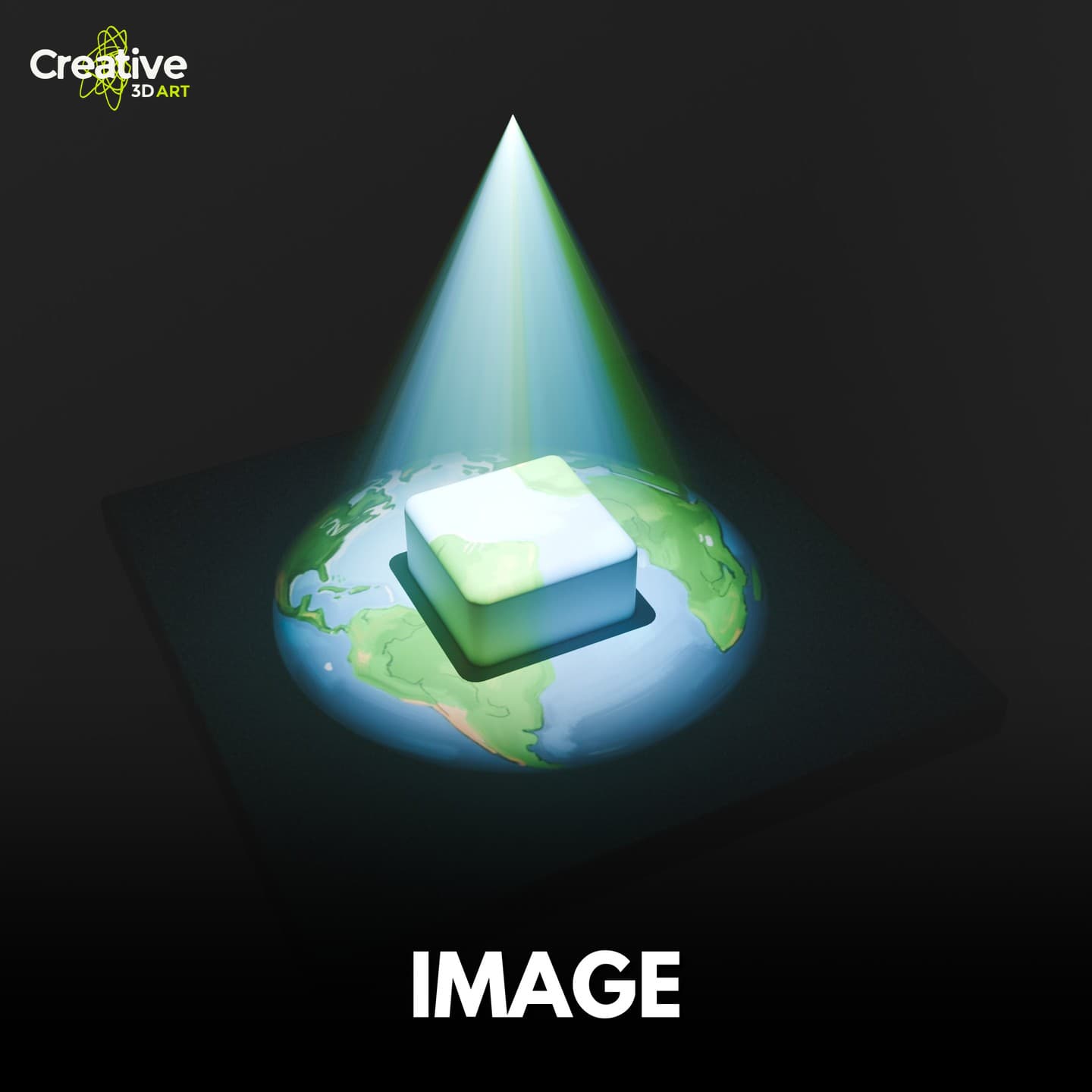
Finally, the Image Texture. Plug in any image, here a map of the Earth, and the light projects it onto the scene. Mapping lets you move, rotate, and scale the projection.

Now the light carries the picture itself. This is great for logos, window shadows, or any custom pattern you want to cast on a scene.
Final thoughts
Once you understand this one setup, you can swap in any texture and get a completely different light. Try it on a spot light in your next scene and tell me which one you liked best in the comments.