SceneTrace: Find Out Why Your Blender Scene Got Slower
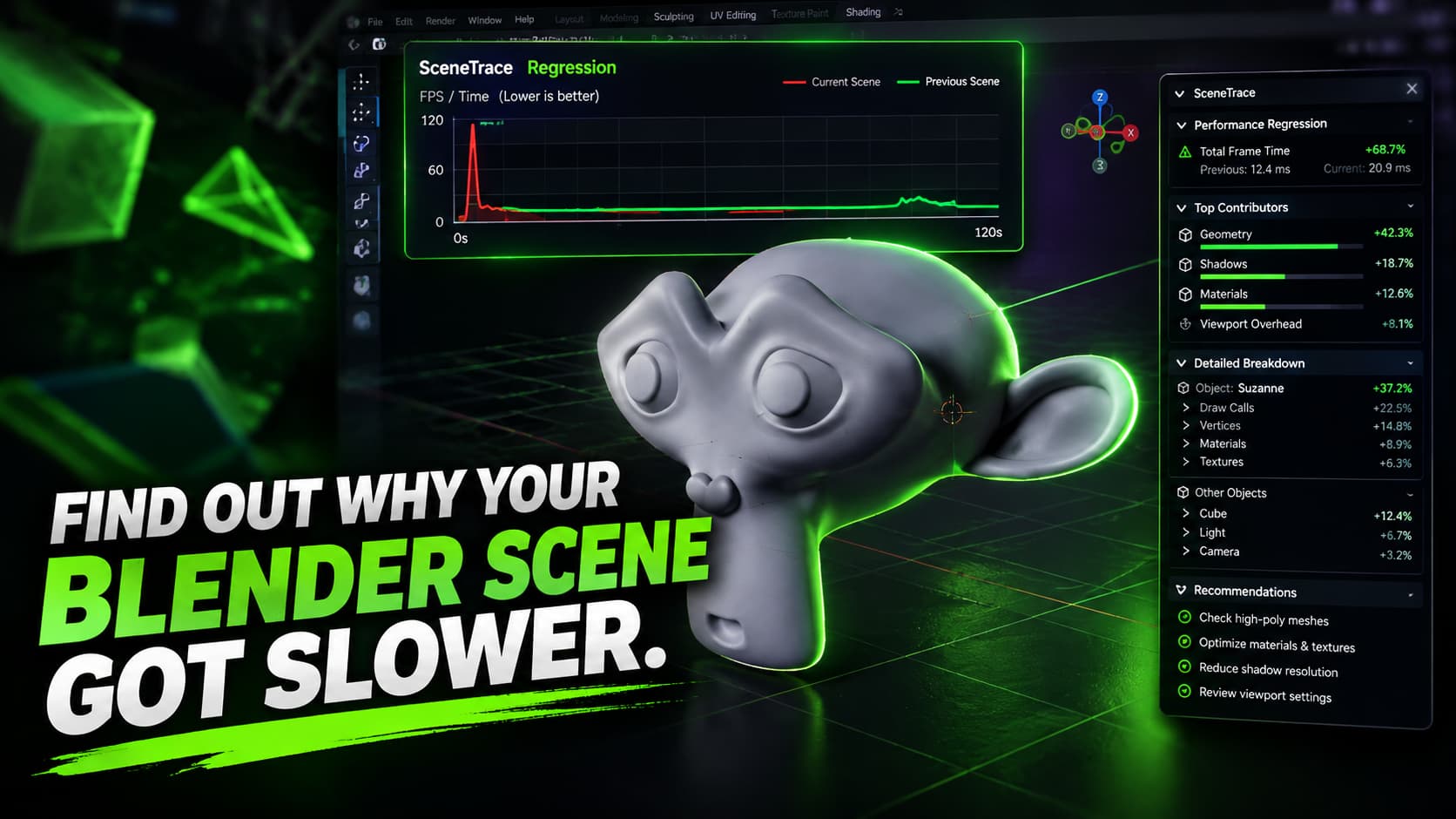
Every Blender artist has met this problem: a scene that felt smooth at the start slowly becomes heavy, and nobody can say exactly when it happened. Blender shows you that the scene is slow, but not what changed between the fast version and the slow one.
SceneTrace is a free and open-source extension, created by developer Dustin Hanke, that tries to answer one simple question: why did my Blender scene get slower?
The problem it solves
Scenes rarely slow down because of one big mistake. Performance usually drops little by little as geometry grows, modifiers pile up, materials get more complex and collections are reorganized. By the time the slowdown is obvious, the cause is buried under many small changes.
SceneTrace turns this guesswork into measurement. Instead of wondering which change hurt your scene, you compare real numbers from a good version and the current one.
How it works
1. Create a baseline. Record a calibrated performance baseline while your scene is still running well.
2. Keep working. Build, edit and add to your scene as usual.
3. Re-test. Run the test again and let SceneTrace compare the new measurements with the baseline.
4. Investigate. If something got slower, SceneTrace highlights the regression so you know where to look first.
> Tip: Create a new baseline at each major milestone of a project, for example before adding heavy assets or a new set of modifiers. Then you always have a recent fast version to compare against.
Main features
- Create calibrated interactive performance baselines
- Re-test the current scene against an existing baseline
- Detect performance regressions
- Compare median, P95 and worst frame times
- Inspect the measured contributor evidence directly inside Blender
- Track performance changes over time
- Keep all measurements and analysis local on your computer
Looking at the median, the P95 and the worst frame time gives you a fuller picture than a single average. A scene can have a good median and still have stutters, and the P95 and worst values make those stutters visible.
Built for technical artists and pipelines
SceneTrace also includes a command-line interface, so comparisons can run outside Blender's UI. That makes it possible to add performance checks to CI workflows and test a Blender project automatically whenever the scene changes.
This is aimed especially at technical artists, pipeline developers and teams who want performance checks to be part of their normal workflow, instead of something they look into only after a scene has become noticeably slow.
> Note: The project is made of two parts: a Blender extension for the interactive workflow, and a Rust-based core with a command-line tool for analysis and automation.
Requirements and price
- Works with Blender 4.2 and newer
- Completely free and open source
- Measurements stay local
> Note: SceneTrace focuses on tracking scene performance and finding regressions. Read the project page to see exactly what it measures before relying on it for render-time optimization.
Get SceneTrace
You can find the source, the documentation and the downloads on the project's GitHub page.
Website: GitHub