Which Blender Tutorials Do You Actually Need? Pick Your Career Path
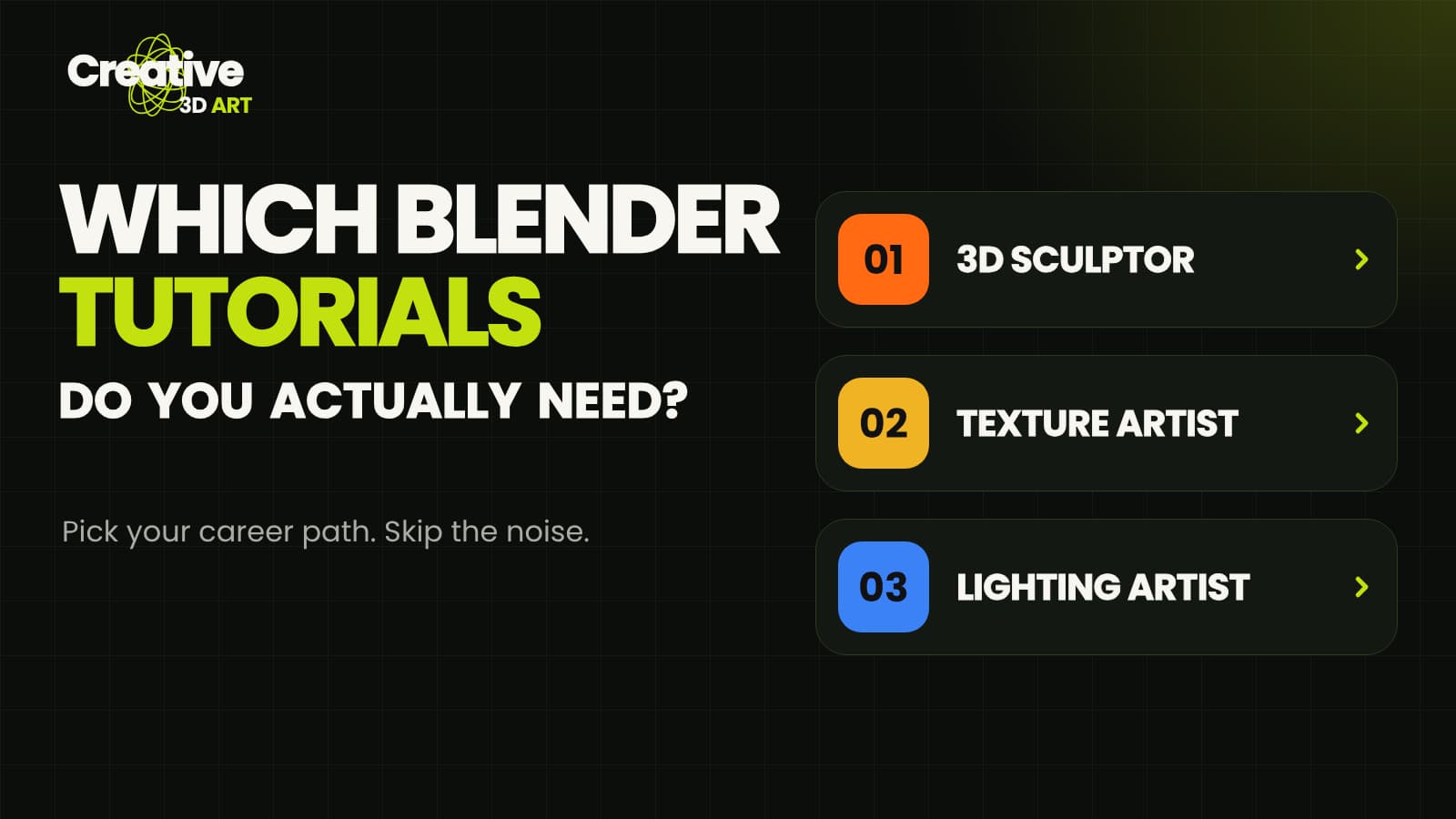
Search for "Blender tutorial" and you get thousands of results. Most beginners lose weeks jumping between videos with no clear direction, and many give up before they make anything they are proud of.
The fix is simple: choose a direction first, then learn only what that direction needs. This guide gives you three paths, with two hand-picked videos for each one. Pick the path that matches what you want to make, watch the videos in order, and ignore the rest of the noise.
> Tip: You do not need to finish all three paths. Pick one, complete its two videos, and make a small project before you move on.
Which path is right for you?
- 3D Sculptor: you want to create characters, creatures and organic shapes.
- Texture Artist: you want your models to have realistic or stylized surfaces and materials.
- Lighting Artist: you want your scenes and renders to look professional and moody.
Path 1: 3D Sculptor
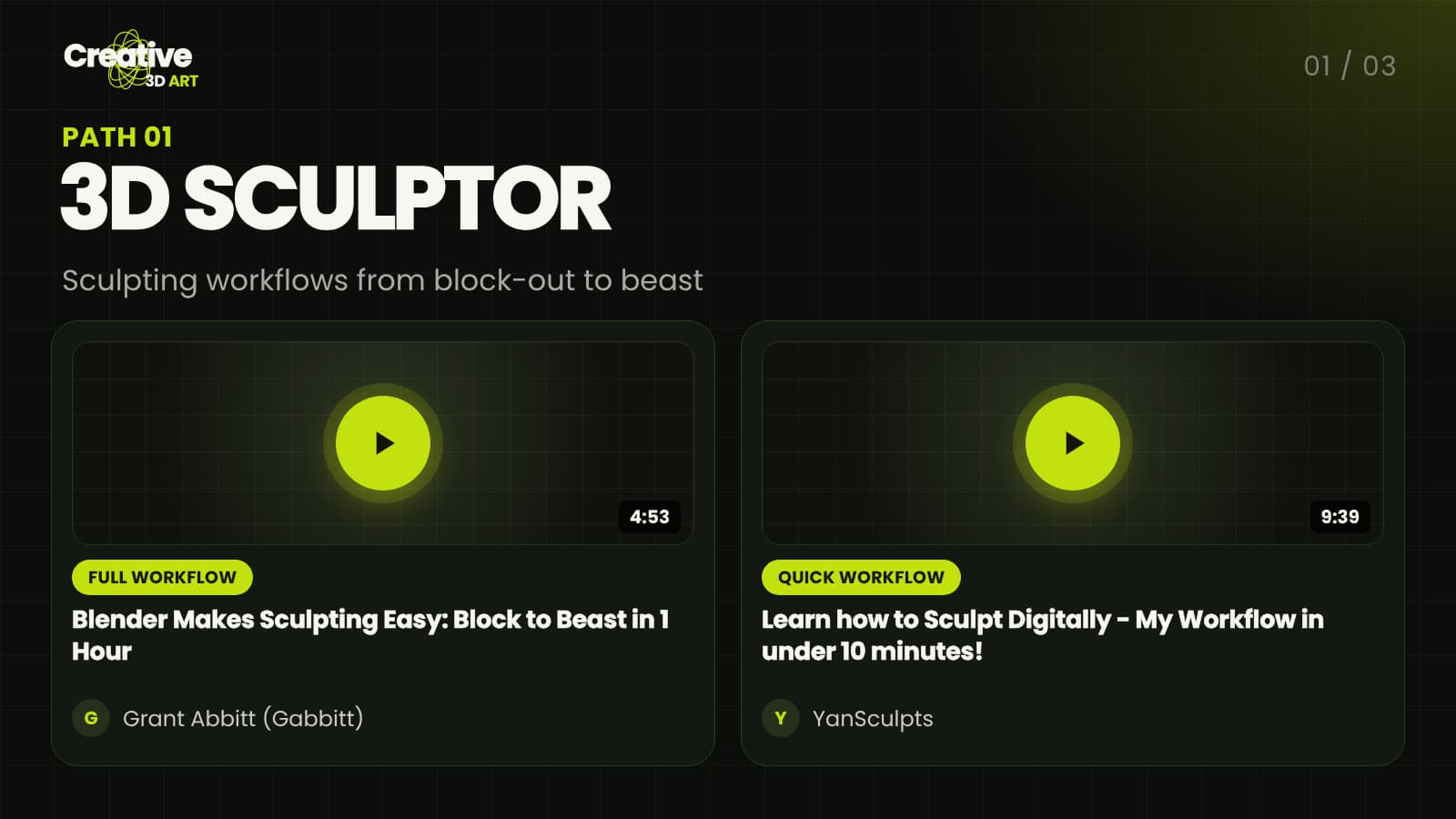
Sculpting is the fastest way to feel progress in Blender. You start from a simple shape and push and pull it into a creature or character. These two videos show the whole process from different angles.
1. Full workflow: "Blender Makes Sculpting Easy: Block to Beast in 1 Hour" by Grant Abbitt (Gabbitt). Start here to see a complete creature built from a basic block-out to a finished sculpt. Watch it once without following along, then repeat it step by step.
2. Quick workflow: "Learn how to Sculpt Digitally - My Workflow in under 10 minutes!" by YanSculpts. A short video that shows a digital sculpting workflow in under ten minutes. It is a good second watch once the first video has shown you the big picture.
Path 2: Texture Artist
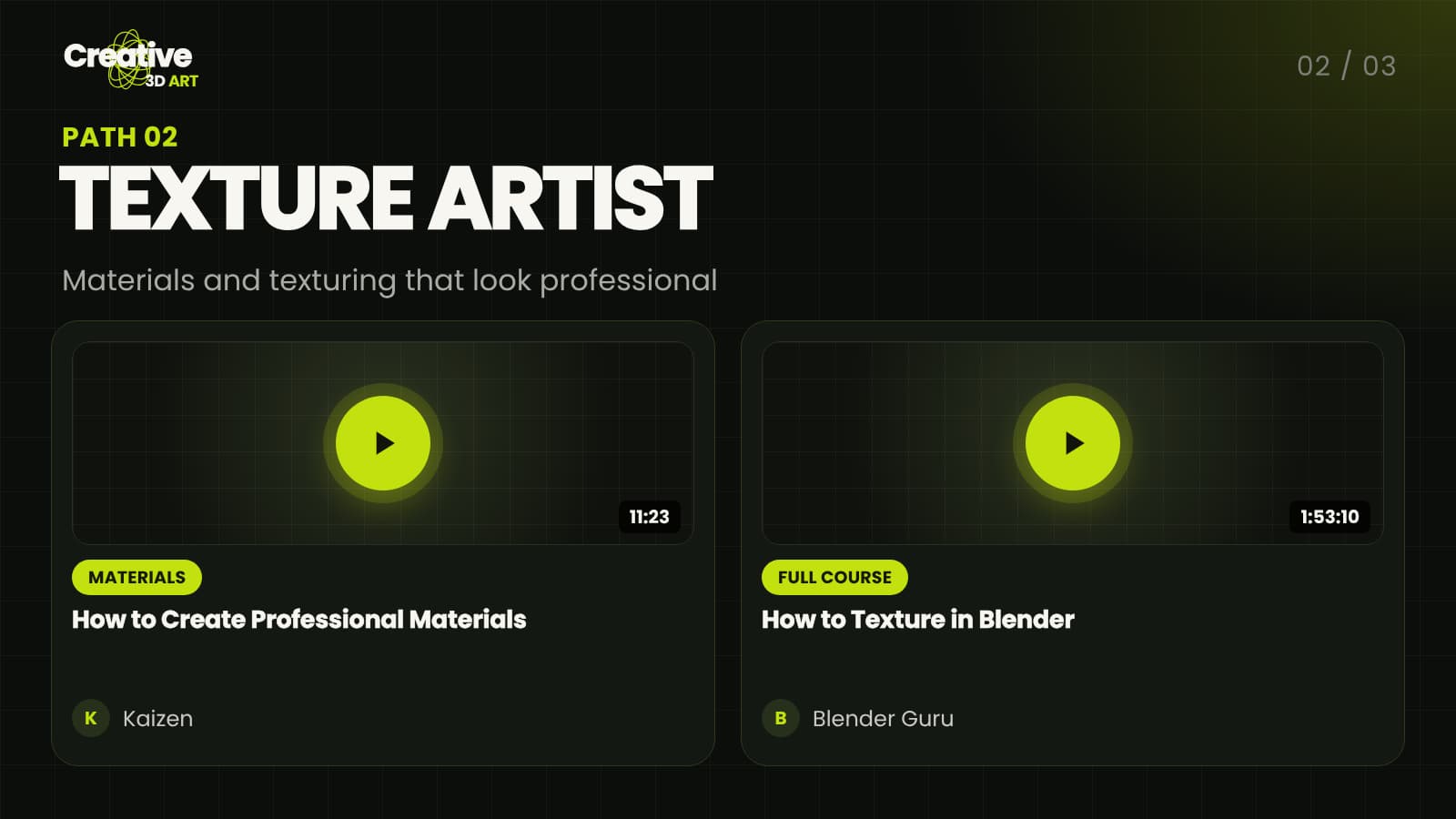
A good model with weak materials still looks flat. Texturing is where an object starts to look like metal, stone, skin or cloth. This path begins with materials and then goes deeper with a full course.
1. Materials: "How to Create Professional Materials" by Kaizen. A short, focused lesson on building materials that look professional instead of default.
⬇ Watch the materials tutorial
2. Full course: "How to Texture in Blender" by Blender Guru. A long, complete course for when you are ready to go deeper. Plan to watch it in several sittings rather than all at once.
Path 3: Lighting Artist
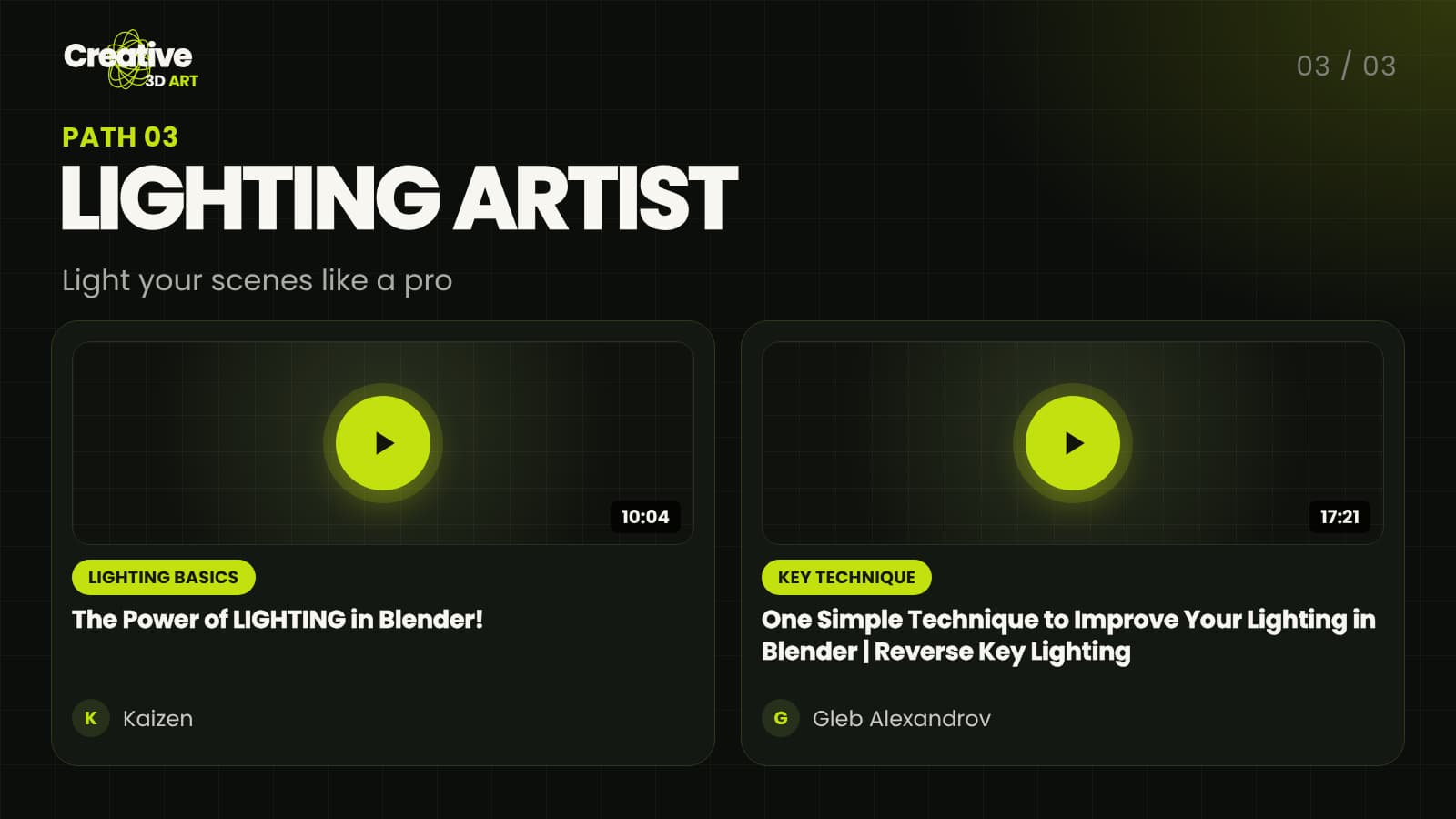
Lighting changes the mood of a scene more than any model or texture. Two lights in the right place can make a simple scene look cinematic. These two videos cover the basics and one technique worth learning early.
1. Lighting basics: "The Power of LIGHTING in Blender!" by Kaizen. An introduction to how light shapes the look of a render.
2. Key technique: "One Simple Technique to Improve Your Lighting in Blender | Reverse Key Lighting" by Gleb Alexandrov. A single technique that you can apply to your own scenes right after watching.
How to get the most from these videos
- Watch first, then repeat. Watch a video once to understand the idea, then open Blender and follow it step by step.
- Make something small. After each path, make a tiny project of your own. A single creature, one material or one lit scene is enough.
- Keep notes. Write down shortcuts and settings you want to remember.
- Move on only when ready. You can start another path any time, but one finished project beats ten half-watched videos.
Final thoughts
You do not need every tutorial on the internet. You need a direction, a few good videos and a small project to practice on. Choose one path today, start with its first video, and build from there.
> Note: All videos belong to their creators. This page only links to them, so please watch them on the creators' own channels and support their work.
Want more free Blender guides? Follow us on Instagram and YouTube.